
eye-share Workflow
Automates AP and P2P

Automates AP and P2P
Digitizes and interprets documents

Smart Supplier Collaboration

Automates invoice management
Supports purchasing and ordering

Handles other vouchers

Manages and tracks contracts
Simplify invoice capture, approval, and processing, and make better purchasing decisions with our AI-powered software.
.svg)
Easy invoice submission
Validates imported data
Captures and interprets data

All customer stories
AP & P2P automation

AP & P2P automation

AP & P2P automation

Automates invoice handling
manages purchasing from request to payment
Captures and interprets data
Supplier collaboration
Discover how leading businesses have transformed their financial workflows with eye-share. From automation success to improved compliance, explore real-world results from our customers across various industries.

AP & P2P automation
AP & P2P automation
Say goodbye to manual invoice handling and hello to smarter, faster processes. With eye-share, you can automate approvals, reduce errors, and gain full control over your AP process—letting your team focus on what matters most.


Over 20 years of simplifying finance for mid-sized and enterprise businesses worldwide. Driven by innovation, built around our customers.
Over 20 years of simplifying finance for mid-sized and enterprise businesses worldwide. Driven by innovation, built around our customers.
Over 20 years of simplifying finance for mid-sized and enterprise businesses worldwide. Driven by innovation, built around our customers.

Check out the details below and see how these improvements can simplify and streamline your processes.
Experience better organization with our new notification center! Keep track of all messages, get help from EyeDa, and access all system messages in one place.
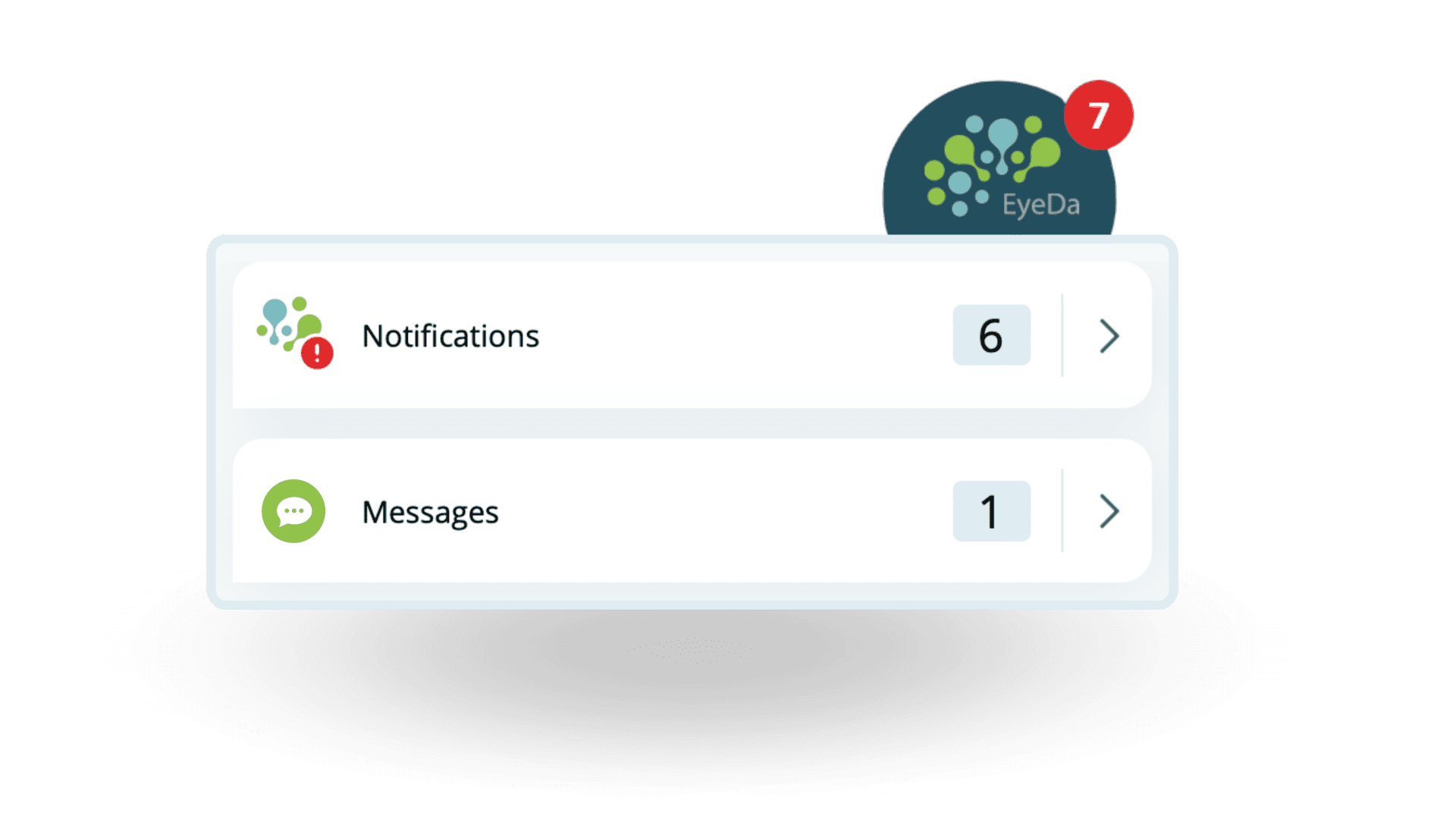
Notification center in eye-share Workflow 14.3
The eye-share API now has more documentation for the Purchasing module, making your P2P process even more efficient. Check out the new documentation in Swagger format and see how you can get the most out of the eye-share API.
Want to know more? Contact us and we'll help you get started!
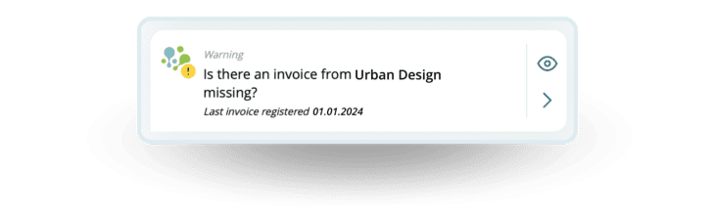
What do you do when an expected monthly invoice doesn't show up? No need to panic! EyeDa uses your invoice history to detect missing invoices and alerts both you and your team. EyeDa is powered by explainable artificial intelligence (XAI) and always provides an explanation for its suggestions.
When EyeDa suggests auto billing, you can click on the Security meter to get an explanation of why this particular value is selected. Do you want a different option? Simply click on other suggestions in the list and save time by not having to look them up yourself!
Do your invoices have attachments with sensitive information? With Restrict access to attachments, you can set restrictions based on status, supplier, users and user groups. This ensures that users only see the parts of the attachments they are allowed to see, such as the "invoice image" - the most important for most approvers.
Protect sensitive information and only share with authorized users!
Restricted access to attachments can be enabled in the following modules:
Keep track of all your reminders with our upgraded Payment Reminder module! Now you can easily track received reminders and notify approvers when invoices have received a reminder. Documents from Peppol BIS are now correctly labeled as Invoice, Dunning or Credit note.
In addition, the fields for both collection company and supplier are updated with information from Peppol BIS reminders. The invoice number is set as the case number, and if the reminder applies to multiple invoices, they will appear in the attachment view and be listed in the "Comprehensive invoice number" field.
Automatic Approval allows invoices to pass automatically based on predefined criteria such as supplier or user. Now you can also set amount limits for these automatic approvals, so you can have even more control over the approval flow.
Have you missed any lines or information in the invoice attachment viewer? We've fixed it for you! Now all the information from your Peppol BIS invoices is displayed in the attachment viewer, so you never miss important details.
We've made our error messages clearer and easier to understand. If you still encounter an error message you're unsure about, ask EyeDa for help or check the Help section for more information.
We've also taken the time to fix a few small bugs, so you'll have a more user-friendly experience when using Workflow v14.3.
Phew, that was quite a review! Do you have any questions or want to upgrade to the latest version? Get in touch with us and we'll help you on your way to an even easier everyday life.


